Assistant Editor Crash Course
Assistant Editor (AE) positions are among the most coveted and competitive roles in the film and television industry. This course provides the essential technical skills every AE needs, including:
Syncing & multi-grouping footage
Setting up multi-cams
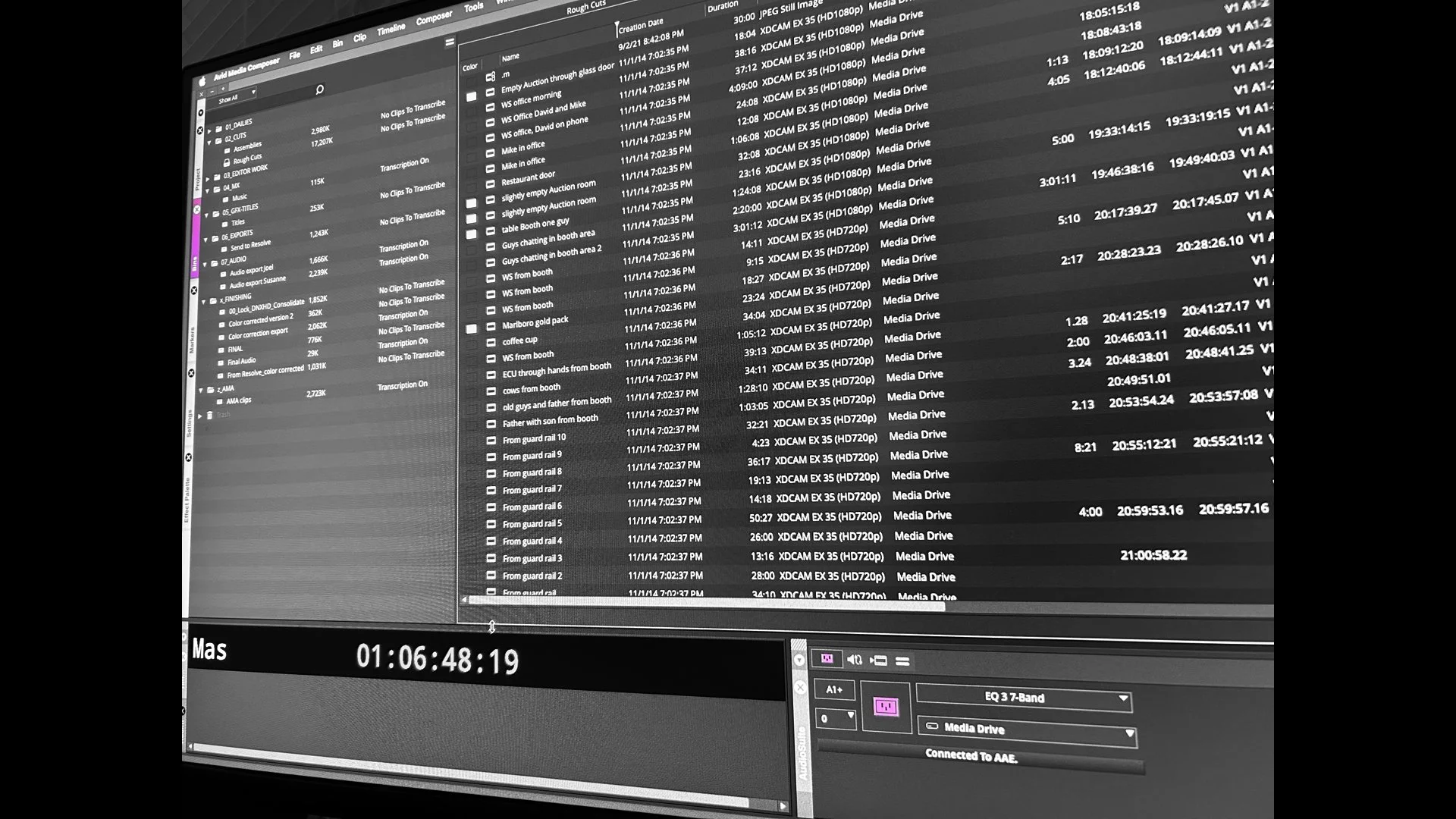
Project maintenance & footage organization
Media management & troubleshooting
Prepping for color & mix turnovers
But mastering the technical side is only part of the job. This course also covers the professional and interpersonal skills that will help you succeed, including:
Best practices for working with editors, colorists, and re-record mixers
Email etiquette when communicating with producers and post-production supervisors
How to position yourself for career growth and transition into a full-fledged editor
By the end of this course, you’ll have the skills, confidence, and industry knowledge to step into the professional world as an Assistant Editor.
Who this course is for:
Students who have completed Avid Media Composer 101
Students with a solid foundation in Avid Media Composer (Brooklyn Edit Suite approval required)
SCHEDULE
Spring Term (beginning April 27):
Mondays (6:00pm - 8:30pm)
Total course time: 4 weeks, plus 1 free onboarding session
Total course hours: 21
FEE: $645 $580