
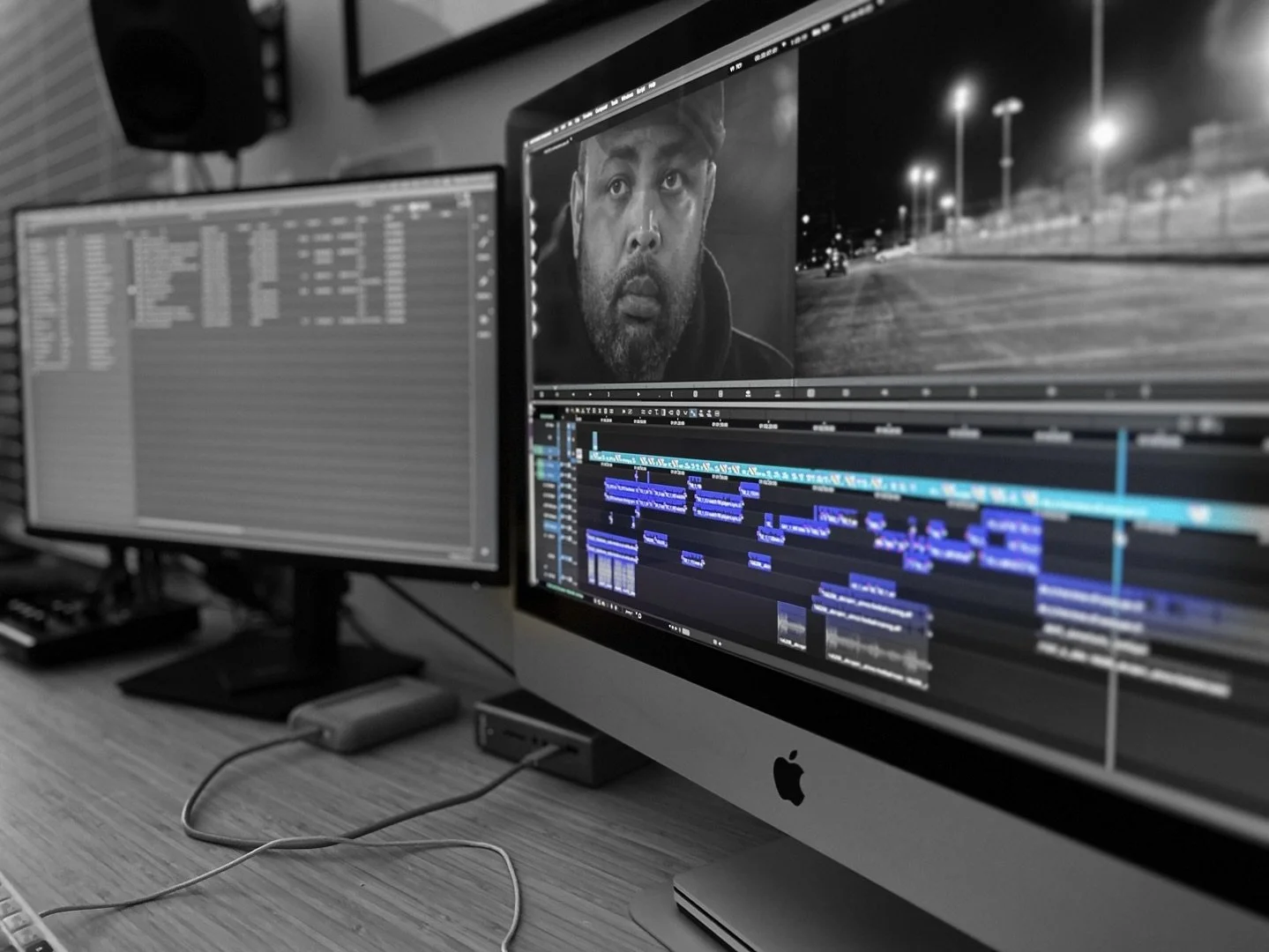
Pictured above: Game Night edit (short film by Joel Fendelman)
Avid Media Composer 101: Building Blocks
Dive into the industry-standard editing software with The Brooklyn Edit Suite’s Avid Media Composer foundational course. On Day 1 we will demystify this unique software, guiding you in setting up a project, managing media and organizing bins, all while we explore Avid’s distinct interface and proprietary file types. You will jump into editing, learning Avid’s fundamental tools and techniques as you work toward completing a short video, using professionally filmed footage, that can be used for your website or reel.
Hands-on editing lessons will be viewed through the lens of film theory – we will study essential editing theories and follow inquiries into why these theories work and how to apply them to your edits. By exploring the principles of editing we will bring the technical aspects of the software to life!
By the end of this course, you will:
Have a firm grasp of Avid’s fundamental components and tools.
Be able to apply basic film editing theories to any footage you edit.
Make editorial choices with confidence and technical ease.
Who this course is for:
Beginner editors looking to gain proficiency in Avid Media Composer.
Editors transitioning from other softwares like Adobe Premiere or Final Cut Pro.
Filmmakers and content creators who want to elevate their post-production skills.
SCHEDULE:
Fall Term (beginning Oct 5):
Mondays & Thursdays (6:00pm - 8:30pm EST)
Total course time: 4 weeks, plus 1 free onboarding session
Total course hours: 21
Course requirements:
A computer (a second monitor is strongly suggested, but not required)
An external hard drive (we’ll advise you on how to obtain one).
Zoom (free); an Avid license (we will provide you with one)
A fast and stable internet connection (we’ll help you assess this.)
A solid understanding of Mac’s OS and/or PC’s Windows
FEE: $695